React Server Components 深度解析:为什么是未来
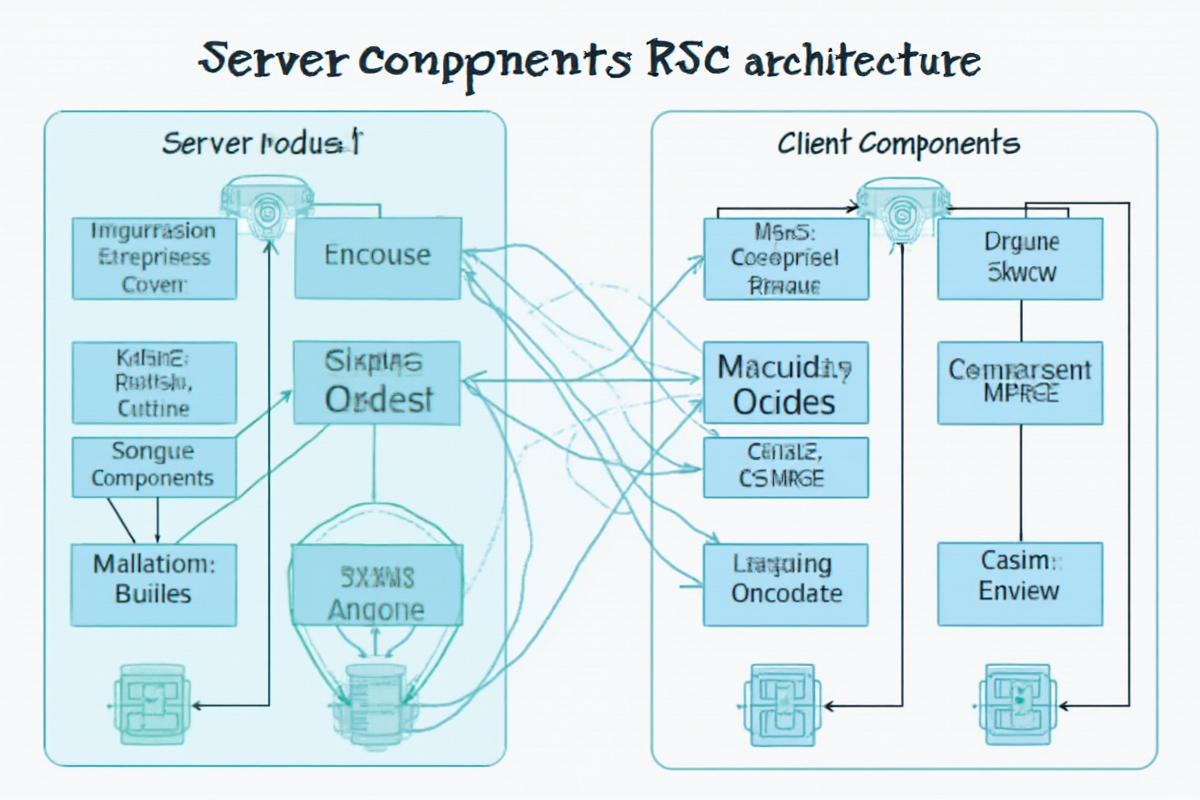
React Server Components 深度解析:为什么是未来
引言:React 的未来已来
如果你还在为 React 应用的性能问题而烦恼,为 bundle size 过大而头疼,那么 React Server Components(RSC)将是你期待已久的解决方案。
作为 React 近年来最重要的架构革新,RSC 正在彻底改变我们构建 Web 应用的方式。今天这篇教程将带你深入理解 React Server Components,掌握这个改变游戏规则的技术。
第一章:为什么需要 Server Components?
1.1 传统 React 的痛点
“`jsx
// 传统 Client Component 的问题
function UserProfile({ userId }) {
const [user, setUser] = useState(null);
const [loading, setLoading] = useState(true);
useEffect(() => {
// 每次渲染都会发起 API 请求
fetch(`/api/users/${userId}`)
.then(res => res.json())
.then(data => {
setUser(data);
setLoading(false);
});
}, [userId]);
if (loading) return
;
return
;
}
// 问题:
// 1. 每个页面都需要加载完整 React 包
// 2. 初始加载慢(下载所有 JavaScript)
// 3. 客户端执行数据获取,浪费网络带宽
// 4. 代码无法访问服务器资源
1.2 RSC 的核心优势
jsx
// Server Component 解决方案
// @server
export default async function UserProfile({ userId }) {
// 直接查询数据库,无需 API 层
const user = await db.users.find({ id: userId });
return (
{user.name}
{user.email}
);
}
// 优势:
// 1. 组件代码不发送到客户端
// 2. 数据获取在服务器完成
// 3. 零 JavaScript 包大小
// 4. 直接访问服务器资源
第二章:RSC 核心原理

2.1 Server Component vs Client Component


    特性
    Server Component
    Client Component


    渲染位置
    服务器
    浏览器


    代码执行
    Node.js
    浏览器


    useState
    ❌ 不支持
    ✅ 支持


    useEffect
    ❌ 不支持
    ✅ 支持


    import
    服务器模块
    浏览器模块


    bundle 大小
    0
    需要传输


    数据访问
    直接访问数据库
    需要通过 API


2.2 渲染流程
- 请求到达服务器
- 服务器渲染 Server Components
- 生成 HTML + 组件边界标记
- 发送 HTML 到浏览器
- 浏览器执行 Client Components
- 客户端 hydration 完成
-
{user.name}
- 初始 JS:200KB
- 首屏时间:3.5 秒
- LCP:4.2 秒
- 初始 JS:50KB(-75%)
- 首屏时间:1.2 秒(-66%)
- LCP:1.8 秒(-57%)
- 数据获取
- 访问数据库/API
- 需要保密的逻辑
- 静态内容渲染
- 需要用户交互
- 使用浏览器 API
- 需要 useState/useEffect
- 性能提升:减少 bundle size,加快加载速度
- 更好的 SEO:服务端渲染完整内容
- 更清晰的架构:数据获取与 UI 分离
- 资源利用:充分利用服务器资源
- ✅ Server Component 获取数据
- ✅ Client Component 处理交互
- ✅ 并行数据获取
- ✅ 使用 Suspense 边界
- ✅ 渐进式迁移
- RSC 将成为 React 默认模式
- 更多框架集成(Next.js, Remix)
- 生态工具逐步完善
- [React Server Components 官方文档](https://react.dev/reference/rsc/server-components)
- [Next.js App Router](https://nextjs.org/docs/app)
- [RSC 设计文档](https://github.com/reactwg/react-19/discussions/6)
- [Server Components 实战](https://vercel.com/blog/introducing-react-server-components)
↓
↓
↓
↓
↓
2.3 组件通信
jsx
// 组件层次结构
export default function Page() {
// Server Component – 在服务器渲染
return (
);
}
// 数据流动:服务器 → 客户端
// Props 传递:Server → Client
// 状态管理:Client 组件内部
第三章:实战应用

3.1 创建 Server Component
jsx
// app/users/page.jsx – Server Component
export default async function UsersPage() {
// 直接访问数据库
const users = await db.users.findAll();
return (
用户列表
);
}
// app/users/UserList.jsx – Server Component
export default function UserList({ users }) {
return (
-
{users.map(user => (
))}
);
}
3.2 创建 Client Component
jsx
‘use client’; // 必须标记
// app/dashboard/Widget.jsx – Client Component
‘use client’;
import { useState, useEffect } from ‘react’;
export default function Widget({ initialData }) {
const [data, setData] = useState(initialData);
const [loading, setLoading] = useState(true);
useEffect(() => {
// 在浏览器中轮询更新
const interval = setInterval(async () => {
const response = await fetch(‘/api/widget’);
const newData = await response.json();
setData(newData);
setLoading(false);
}, 5000);
return () => clearInterval(interval);
}, []);
return (
加载中…
) : (
最新数据:{data.value}
)}
);
}
3.3 混合使用
jsx
// app/dashboard/page.jsx
import Widget from ‘./Widget’;
export default async function Dashboard() {
// Server Component – 在服务器获取数据
const dashboardData = await fetchDashboardData();
return (
仪表盘
);
}
// app/dashboard/StatCard.jsx
‘use client’;
import { useState } from ‘react’;
export default function StatCard({ data }) {
const [isHovered, setIsHovered] = useState(false);
return (
onMouseLeave={() => setIsHovered(false)}
>
{data.title}
{data.value}
);
}
第四章:性能优化实战

4.1 Bundle Size 对比
jsx
// Client Component bundle
import React, { useState, useEffect } from ‘react’;
// + 所有依赖包
// 总大小:200KB+
// Server Component
async function getData() {
// 直接查询数据库
return db.query();
}
// 客户端:0KB(代码不传输)
实测数据:
传统 SPA:
RSC 优化后:
4.2 按需加载
jsx
// app/blog/[slug]/page.jsx
import dynamic from ‘next/dynamic’;
export default async function BlogPost({ params }) {
// Server Component – 获取文章数据
const post = await getPost(params.slug);
return (
{post.title}
{/* 延迟加载评论组件 */}
);
}
// app/blog/Comments.jsx
‘use client’;
import { useState } from ‘react’;
export default function Comments({ postId }) {
const [comments, setComments] = useState([]);
// 只在需要时加载
useEffect(() => {
setComments(fetchComments(postId));
}, [postId]);
return
;
}
// 动态导入
const DynamicComments = dynamic(
() => import(‘@/app/blog/Comments’),
{ ssr: false } // 禁用服务端渲染
);
4.3 数据获取优化
jsx
// app/profile/[id]/page.jsx
export default async function UserProfile({ params }) {
// 并行数据获取
const [user, posts, stats] = await Promise.all([
db.users.findById(params.id),
db.posts.findByUserId(params.id),
db.stats.calculate(params.id)
]);
return (
);
}
// 相比串行获取的性能提升
// 串行:200ms + 150ms + 100ms = 450ms
// 并行:Math.max(200, 150, 100) = 200ms
// 提升:56%
第五章:与传统的对比

5.1 数据获取模式
jsx
// ❌ 传统方式:客户端获取数据
function ProductList() {
const [products, setProducts] = useState([]);
useEffect(() => {
fetch(‘/api/products’)
.then(res => res.json())
.then(setProducts);
}, []);
return (
);
}
// ✅ RSC 方式:服务器获取数据
export default async function ProductList() {
const products = await db.products.findAll();
return (
);
}
5.2 代码大小对比
jsx
// 传统 Client Component
import React, { useState, useEffect, useCallback } from ‘react’;
import { formatCurrency, formatDate } from ‘utils’;
function Product({ id }) {
const [data, setData] = useState(null);
useEffect(() => {
fetchProduct(id).then(setData);
}, [id]);
return
;
}
// 大小:约 15KB
// Server Component
export default async function Product({ id }) {
const data = await db.products.findById(id);
return
;
}
// 客户端大小:0KB
5.3 SEO 优化对比
jsx
// ❌ 传统方式:SEO 不友好
function SEOPage() {
const [content, setContent] = useState(null);
useEffect(() => {
fetchContent().then(setContent);
}, []);
// 搜索引擎抓取时可能看不到内容
return
;
}
// ✅ RSC 方式:SEO 友好
export default async function SEOPage() {
const content = await fetchContent();
return (
<>
{content.title}
);
}
// 搜索引擎直接抓取完整 HTML
第六章:最佳实践
6.1 何时使用 Server Component
✅ 推荐使用:
❌ 不推荐使用:
6.2 组件设计原则
jsx
// ✅ 好的设计
export default async function Page() {
// Server: 获取数据
const data = await fetchDatabase();
return (
{/* Client: 交互 */}
);
}
// ❌ 不好的设计
‘use client’; // 整个页面都在客户端
function BadPage() {
// 浪费客户端资源
const data = await fetchDatabase(); // 错误:不能在 client component 使用 await
return
;
}
6.3 性能优化技巧
jsx
// 1. 使用 cache() 缓存数据
import { cache } from ‘react’;
const getExpensiveData = cache(async () => {
// 在同个请求中重复调用会返回缓存结果
return await expensiveOperation();
});
// 2. 批量数据获取
export default async function Page() {
const [users, posts, comments] = await Promise.all([
getUsers(),
getPosts(),
getComments()
]);
return (
);
}
// 3. 使用 Suspense 边界
import { Suspense } from ‘react’;
export default function Page() {
return (
);
}
6.4 错误处理
jsx
// Server Component 错误处理
export default async function Page() {
try {
const data = await fetchCriticalData();
return
} catch (error) {
// 服务器端可以返回错误页面
return
}
}
// Client Component 错误处理
‘use client’;
import { useState, useEffect } from ‘react’;
export default function Widget() {
const [error, setError] = useState(null);
useEffect(() => {
fetchWidgetData()
.catch(err => setError(err.message));
}, []);
if (error) return
return
}
第七章:实际场景案例

7.1 电商产品页
jsx
// app/products/[id]/page.jsx
export default async function ProductPage({ params }) {
// 并行获取数据
const [product, reviews, related] = await Promise.all([
getProduct(params.id),
getReviews(params.id),
getRelatedProducts(params.id)
]);
return (
{/* 客户端组件:交互部分 */}
);
}
// app/products/ReviewList.jsx
export default function ReviewList({ reviews }) {
return (
用户评价
{reviews.map(review => (
))}
);
}
7.2 博客文章页
jsx
// app/blog/[slug]/page.jsx
export default async function BlogPage({ params }) {
const post = await getPost(params.slug);
return (
<>
{post.title}
{/* Server: 内容渲染 */}
{/* Client: 交互功能 */}
);
}
7.3 仪表盘页面
jsx
// app/dashboard/page.jsx
export default async function Dashboard() {
const data = await {
stats: getDashboardStats(),
charts: getChartData(),
notifications: getNotifications(),
};
return (
{/* 客户端:实时更新 */}
);
}
第八章:迁移指南

8.1 从传统 React 迁移
jsx
// 步骤 1:标记 Client Component
// 原有组件保持不变
‘use client’;
import { useState } from ‘react’;
// 步骤 2:提取数据获取逻辑
export default async function Page() {
// 在 Server Component 中获取数据
const data = await fetchData();
return (
);
}
// 步骤 3:逐步拆分
// 将静态部分改为 Server Component
// 保留交互部分为 Client Component
8.2 渐进式迁移
jsx
// 第一周:添加 Server Component
// 创建新的页面使用 RSC
// 第二周:重构数据获取
// 将 useEffect 中的数据获取移到 Server
// 第三周:优化 bundle size
// 分析 bundle,移除不需要的客户端依赖
// 第四周:完善性能
// 添加缓存、优化数据获取
“`
总结:RSC 是 React 的未来
React Server Components 代表了 React 架构的重大演进:
核心优势:
最佳实践:
未来趋势:
掌握 React Server Components,让你的应用性能提升一个数量级!🚀
—
参考资源:

发表评论